Animated GIF Warm-ups
Today, at the beginning of week three (visual), I decided I needed to review how to download video, select frames, and make GIFs. I watched the episode The Professor, and noted several opportunities.
To download the episode, I grabbed its URL from the prisoner106 archive, and entered it into the video downloader at en.savefrom.net. I’m hoping this site works well without any malware. So far, looks ok. It took about half an hour to download, then I had to save to a flash drive since I was at work. Once home, I copied the file to my own computer to work from.
To grab frames, I used mpeg Streamclip, a freeware product often recommended within ds106 circles. John Johnston has a basic list of steps, which I have modified since I use GIMP, and list here:
1.Open video in MPEGStreamclip
2.Select in and out points
3.Trim (command T on a mac)
4.Export to Other Formats…
5.Choose Image Sequence
6.I usually click options and choose Jpeg and 12 frames /second
7.Export
8.Open as layers in GIMP
9.Delete unwanted layers
10.Preview with the Effects>Animation tool
11.Adjust layers and timing for best results
12.Export to Gif
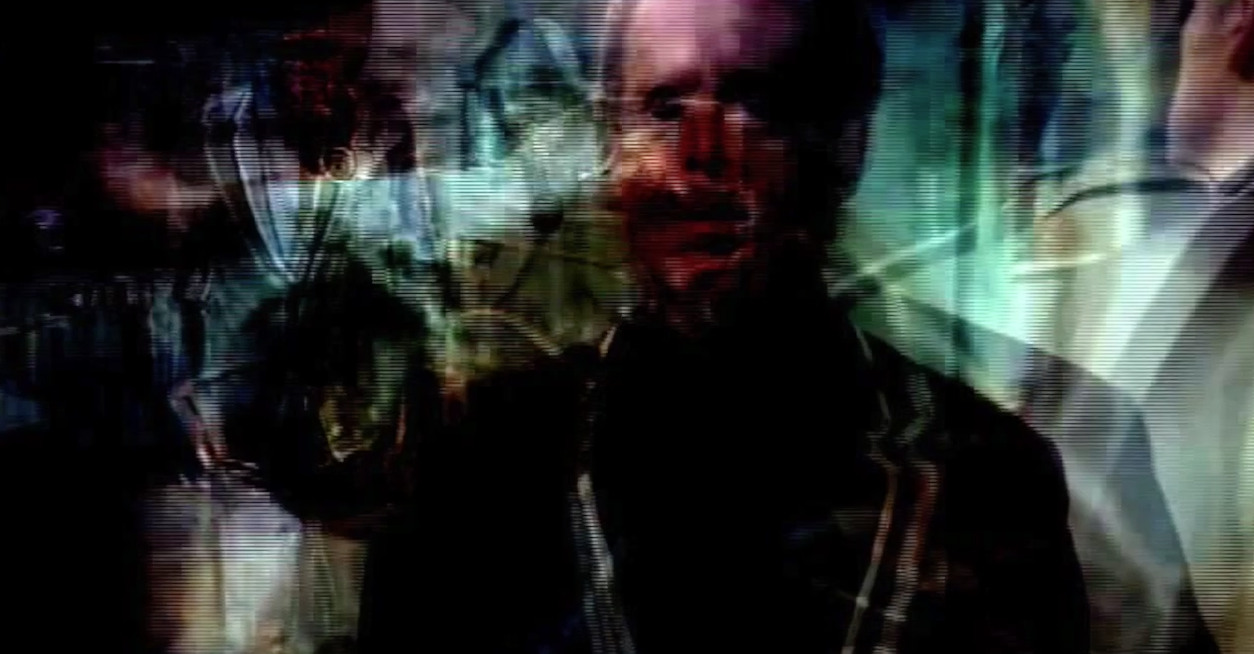
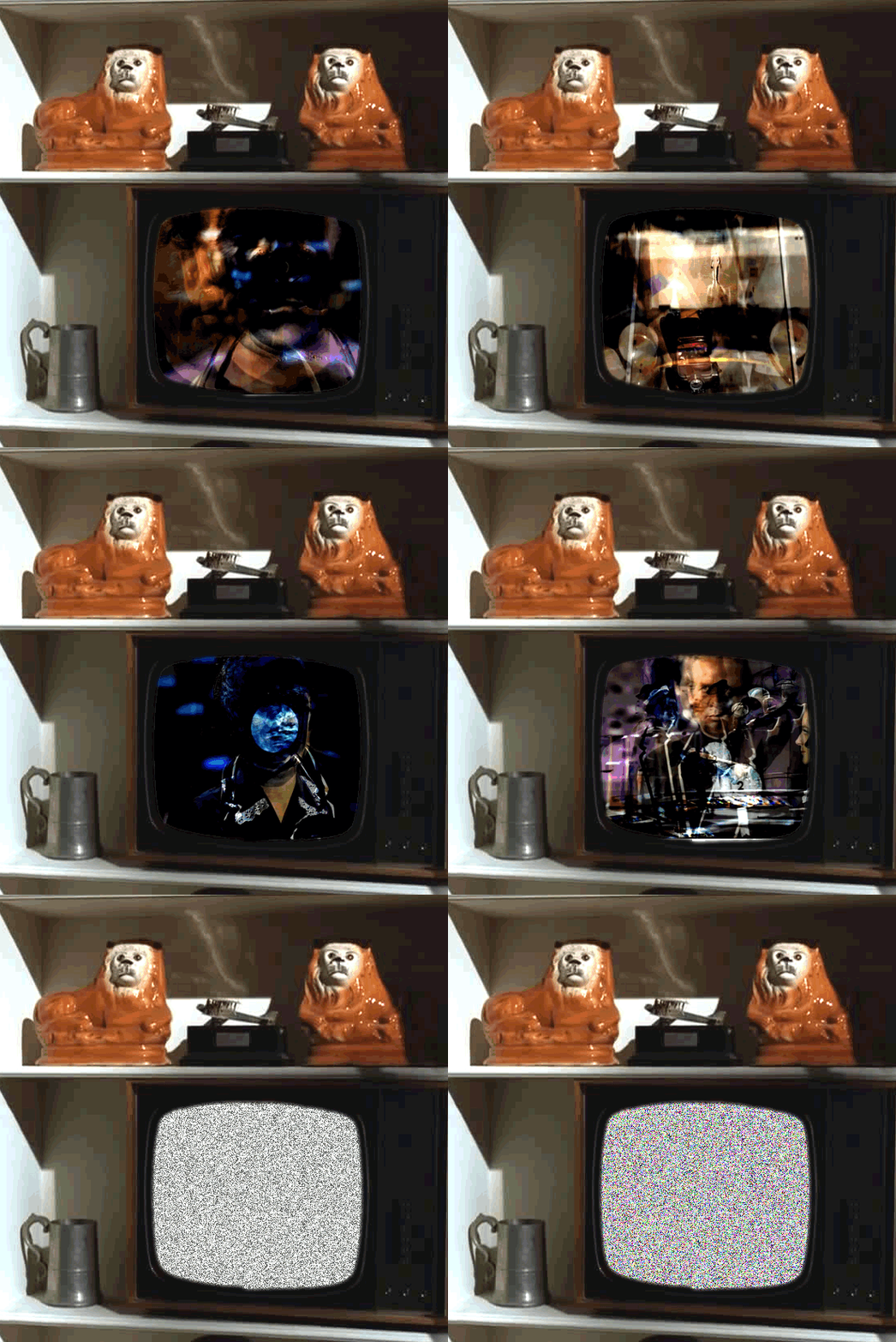
And here are my results:

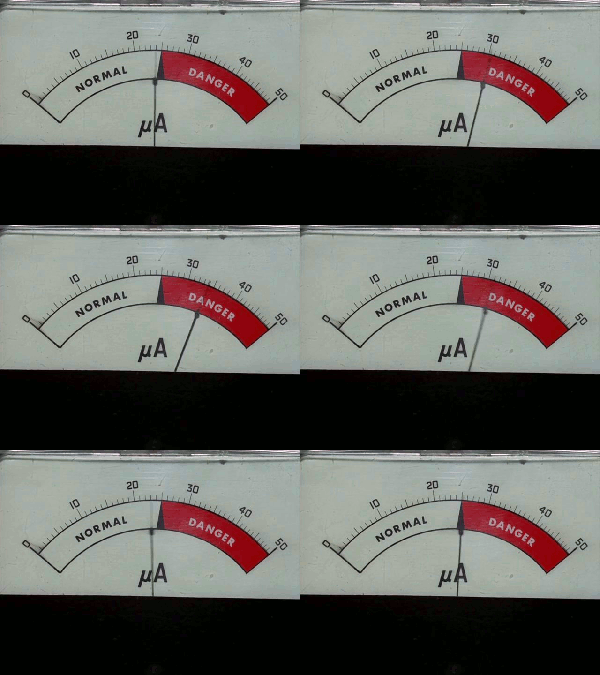
Danger Meter

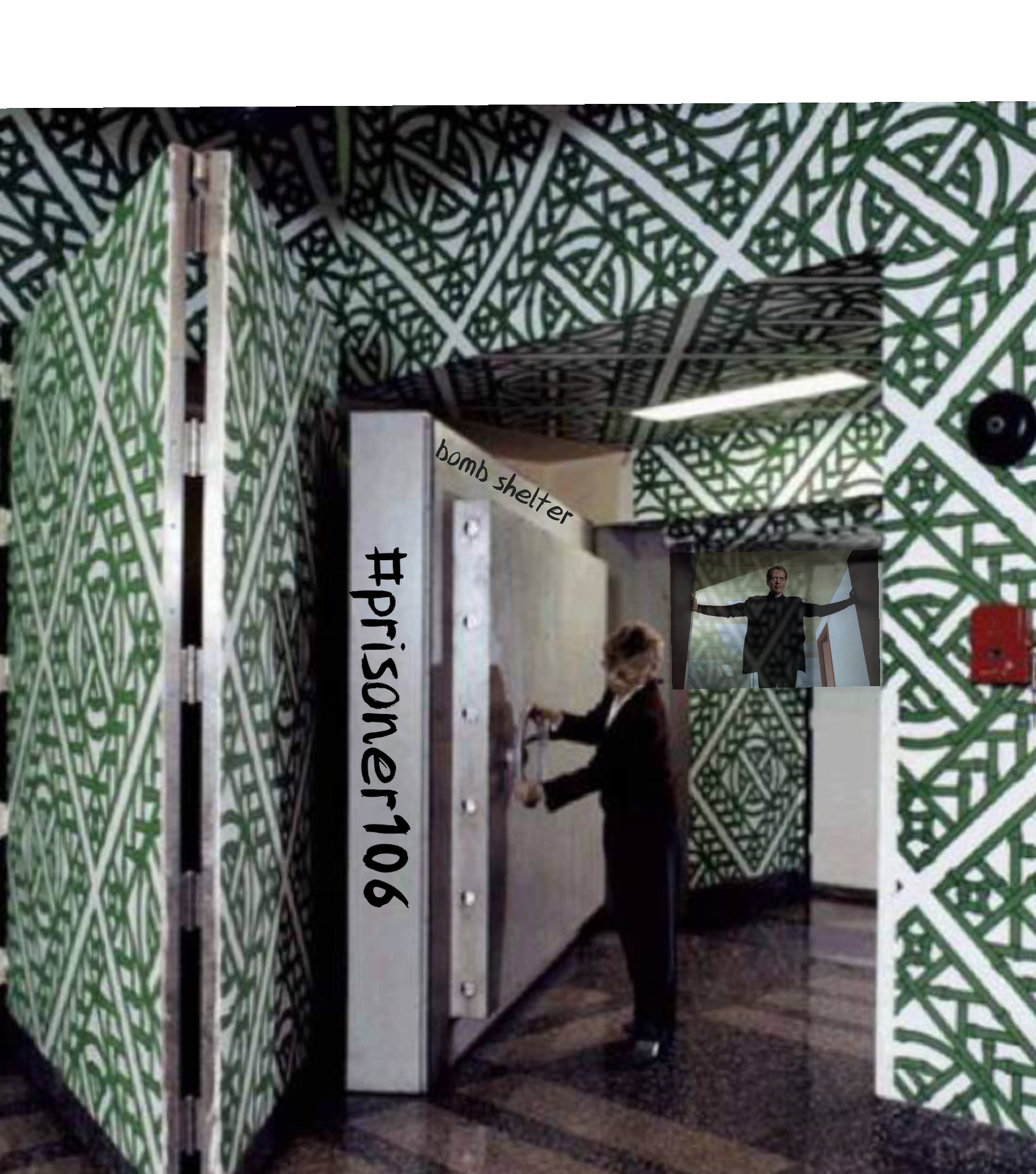
Professor Worry

Page Turner
I’ll be trying to improve my technique during the week. But, for now, two credit units!
Be Seeing You!